To turn on CVV, go to Administration -> Security and check the boxes under “Active”. This will require the CVV to be entered when a Credit Card is swiped or entered.
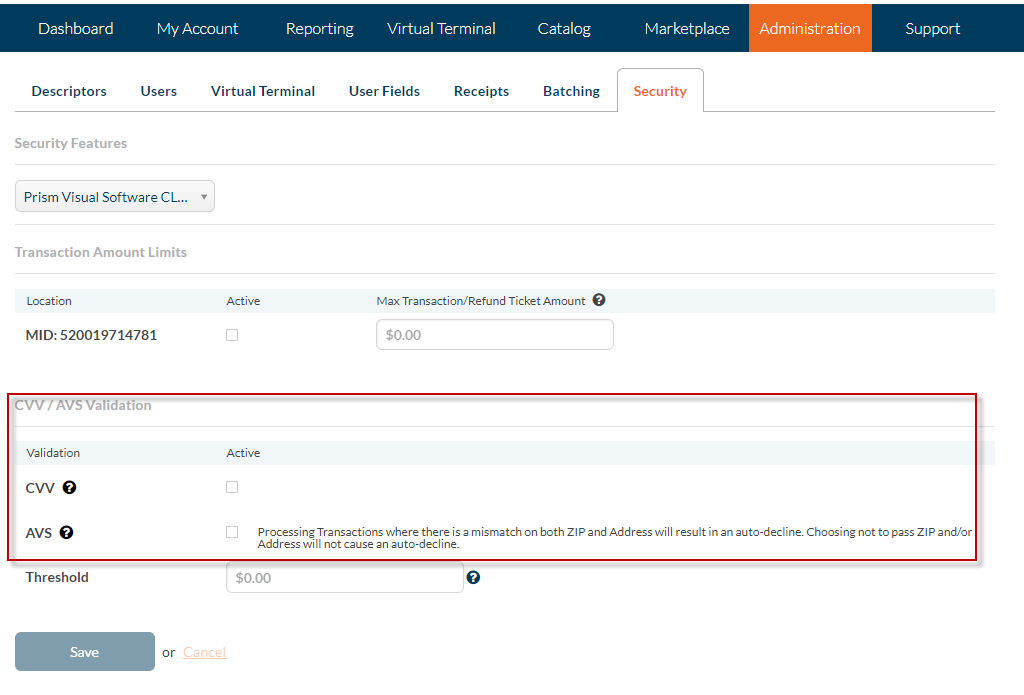

To turn on CVV, go to Administration -> Security and check the boxes under “Active”. This will require the CVV to be entered when a Credit Card is swiped or entered.